SimBio
from simbio import *
from simbio.reactions import *
import numpy as np

class Water(System):
    H2: Variable = initial(default=1)
    O2: Variable = initial(default=1)
    H2O: Variable = initial(default=0)

    creation = Synthesis(A=2 * H2, B=O2, AB=2 * H2O, rate=1)
    electrolysis = Dissociation(AB=2 * H2O, A=2 * H2, B=O2, rate=0.5)

sim = Simulator(Water)
sim.solve(save_at=np.linspace(0, 30, 1000)).to_dataframe().plot()
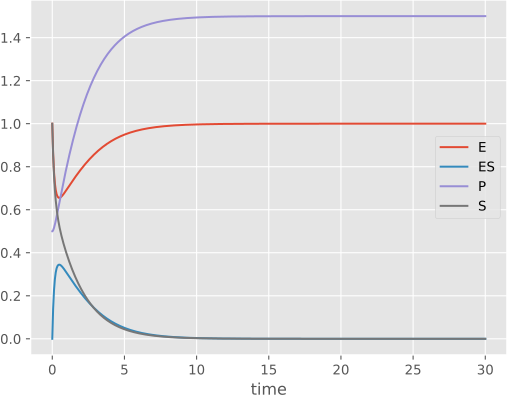
Water synthesis and electrolysis implemeneted in SimBio.
SimBio is a Python-based package for simulation of Chemical Reaction Networks (CRNs). It extends poincare, a package for modelling dynamical systems. It's designed around:
- Modularity: SimBio is intended to create a layer to separate the actual declaration and simulation of models, allowing to easily switch between methods and compile to different backends (including NumPy Numba and JAX). The same model can be compiled for either ODE or stochastic simulation by changing a single line of code.
- Composability: models are composable, allowing for the combination of smaller systems to create larger ones; complex models can be broken up into more manageable parts.
- Reproducibility: it intends to be a centralized place for all information concerning models, making it easy to extract data about information and parameters and encouraging consistency between analytical formulations and numerical implementations. Models can also be imported directly from the SMBL format (upcoming).
Installation
Using pixi, install from PyPI with:
or install the latest development version from GitHub with:
Otherwise,
use pip or your pip-compatible package manager:
Documentation
Documentation is structured as a series of interactive marimo notebooks which cover basic and advanced topics. They can be ran by following the links in the highlighted titles to open them in the browser or by cloning the dyscolab-tutorials repository to open them locally. For more information, see Pioncare's documentation.
Basics
- Getting started with SimBio: the essentials necessary to simulate CNRs.
- Implementing the repressilator in SimBio: an example showing an implementation of the repressilator model in SimBio, including model definition by composition of smaller parts, simulation and parameter sweeps looking at how the period changes.
Topic guides
- Using volume in simbio: explains how to make models with volume using
Compartmentand represent variables which react to volume asSpecies, using either concentrations or absolute amounts. - Stochastic simulations: how to simulate the same systems stochastically using gillespie's algorithm.
GitHub
SimBio is developed in it's github repo.